Best Phone Apps for Internet Calls in 2026
Google Voice offers a full range of features and easy integration with Google products.

- Google Voice offers comprehensive features and easy integration with the Google interface.
- Internet calling apps that feature end-to-end encryption help protect your privacy.
- Choose a phone app that offers the features you’ll use most to get exactly what you need.
Internet calling apps offer a convenient and cost-effective way to make calls over the internet, with features such as video calling, messaging, and integration with other applications. These apps are regarded for their flexibility and lower costs compared to traditional phone services. With numerous options available, we curated a list of our top favorites. Our picks were chosen based on 5 key factors: affordability, performance, value, longevity, and technology.
Google Voice is a comprehensive internet calling app that combines traditional phone features with seamless integration into Google services, allowing users to make calls from both computers and mobile devices. The app offers customization options for a personalized, controlled calling experience, including virtual phone numbers, call screening, and personalized voicemail greetings.
Watch: Best Phone Apps for Internet Calls
Short on time and prefer a verbal recommendation over a written one? Check out our video on the best apps you can download to make internet calls.
Google Voice (BroadbandNow Top Pick)

Google Voice stands out as an app that does everything a traditional phone can do — all within an app, including providing a free phone number. Plus, we love the seamless integration with Google services such as Gmail and Google Calendar. This integration ensures a smooth communication experience, permitting users to make and receive calls from both computers and mobile devices, fostering accessibility and convenience. Additionally, synchronizing contacts and call history across multiple devices establishes a unified communication ecosystem that enhances the experience.
While Google Voice offers free calls in the United States and Canada, it doesn’t offer free international calling, though it does have the option. Google Voice charges $0.01 per minute to start for international calls, depending on where you’re calling. The app’s customization options, such as selecting a virtual phone number, call screening, and personalized voicemail greetings, provide a more personalized and controlled calling experience.
What we liked
- Google integration
- Free landline and mobile calls
- Free phone number
- User-friendly interface
- End-to-end encryption
What we didn’t like
- Charges for international calls
- No emergency calling
WhatsApp (The Next Best Internet Calling App)

Renowned for its effortless integration, intuitive design, and widespread adoption, WhatsApp is another excellent choice for internet calls. With its secure end-to-end encryption technology, the platform provides a reliable, confidential communication experience for voice and video calls. The app’s low-data-consumption mode and exceptional call quality make it an attractive choice, particularly in regions with inconsistent network strength.
WhatsApp is simple enough for those who are not tech-savvy to navigate, making it even easier for loved ones to connect. The app can also be used internationally, helping provide a connection without the fees of traditional phone services. While being owned by Meta can be a benefit, there are some related disadvantages, including Meta-related outages and privacy concerns. Despite the great features, all calls must be made within WhatsApp rather than calling a landline or mobile number like a regular phone service.
What we liked
- User-friendly interface
- International compatibility
- End-to-end encryption
- Doesn’t require cellular data
What we didn’t like
- Meta-related privacy concerns
- Potential outages
Viber (Best for Personalized Experience)
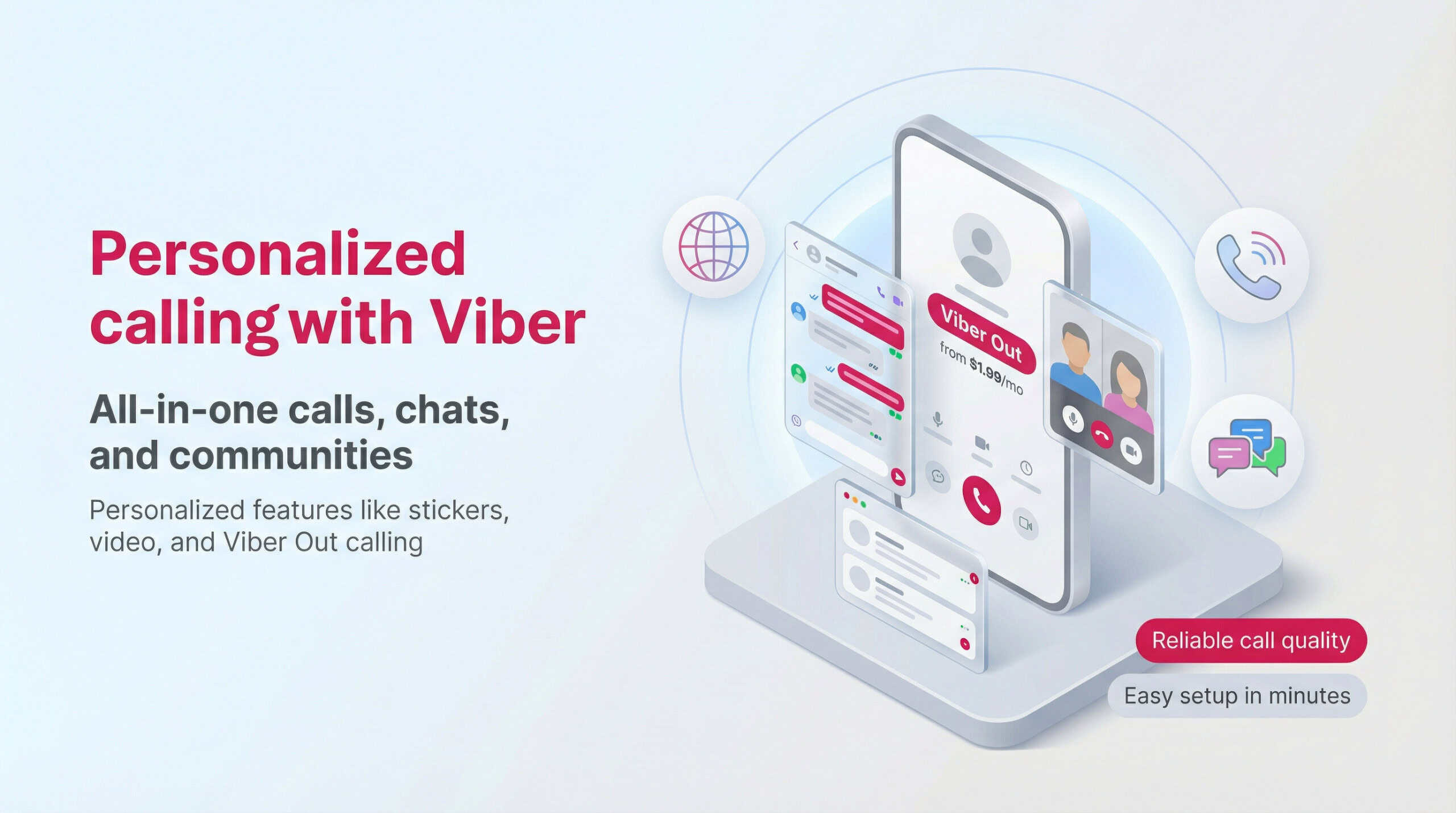
Viber goes beyond basic phone calls, functioning as a full-featured communication platform. In addition to calling landlines and mobile numbers, you can place video calls with other Viber users, send instant messages, and participate in group chats. The app also supports stickers and GIFs for more expressive conversations, along with self-destructing messages that automatically delete after a set time — a bonus for people looking to maintain anonymity online. With its community feature, you can create and manage dedicated spaces for group discussions and shared interests.
Viber’s paid calling option, known as Viber Out, requires either prepaid credits or a monthly subscription to make calls to non-Viber users. For example, unlimited calls to U.S. landlines and mobile numbers cost around $1.99 per month. Call quality is generally reliable on stable connections, and setup takes only a few minutes. The app is user-friendly, with a clean, intuitive interface that makes calling, messaging, and managing features easy even for first-time users.
What we liked
- Comprehensive communication methods
- Deletes messages automatically
- Features stickers and GIFs
What we didn’t like
- Charges for non-Viber calls
- Doesn’t offer a browser option
Our Top Internet Calling App Recommendations
| Details | BroadbandNow top pick | The next best internet calling app | Best for personalized experience |
|---|---|---|---|
| Internet calling app | Google Voice | Viber | |
| Price | FREE | FREE | FREE |
| End-to-end encryption | Yes | Yes | Yes |
| Call forwarding | Yes | No | No |
| Text messaging | Yes | Yes | Yes |
| Voicemail | Yes, with transcriptions | Yes | No |
| Integrations | Meta | None | |
| International rates | $0.01 per minute | Free | $0.02 per minute |
| Group call limits | 3 participants | 32 participants | 60 participants |
| Best for | Integrations | International Calls | Group Calls |
How We Tested Our Top Picks
At BroadbandNow, we know that staying connected depends on more than just your internet service. It also requires reliable tools that enhance your online communication. With years of experience researching internet infrastructure and digital services, we’ve evaluated hundreds of providers and platforms to help millions of consumers make informed decisions. Our team blends technical knowledge with hands-on analysis, delivering recommendations based on performance and practical value rather than promotional claims. When reviewing internet calling apps, we prioritize the consumer experience to identify the most effective options for your connectivity needs.
Phone calls can seem like the most basic form of communication, and with so many choices, does it matter which one you choose? Not all apps are going to provide the best experience for consumers. Our method for finding the best apps for internet calls goes beyond searching for the biggest names or the most sought-after technology. We based our picks on several crucial factors, including:
- Call quality: Above all criteria, call quality reigns supreme. Using an app with exceptional audio, video, and other communication quality is essential.
- User interface: An easy-to-navigate platform increases the entire communication experience. An internet calling app should be seamless for anyone to learn, no matter how tech-savvy you are.
- Security: Using an app that keeps your information and data secure is a concern for the average internet user, so an internet calling app must feature security measures, such as end-to-end encryption.
- Data usage: If an app is eating away at your data plan, it’s likely doing more harm than good. It’s important to find an app that seamlessly works with whichever data plan you have, including the ability to make Wi-Fi calls.
- Reputable brands: Our top picks are associated with top technology brands that have thus far stood the test of time, boasting longevity and quality.
- Communication methods: Does the app offer calls outside of voice, such as video, group, or international calls? What about text messaging? Finding a robust platform ensures users can find an app that meets multiple communication needs.
Other Internet Calling Apps Worth Mentioning
While we’ve gathered some of the best internet calling apps to choose from, there are plenty of other options available to suit your needs. The following VoIP choices are worth considering if our best choices aren’t what you’re looking for:
- Telegram – Best for standard privacy: Telegram excels as a secure phone calling internet app by employing end-to-end encryption for all communications, providing users with enhanced privacy. The app’s features, including self-destructing messages in Secret Chats, further contribute to its reputation as a reliable platform prioritizing user data protection.
- Signal – Best for high-level security: For users who prioritize absolute privacy, Signal is the industry standard, using the open-source Signal Protocol for state-of-the-art end-to-end encryption. Unlike many competitors, the platform is operated by a non-profit and collects virtually no metadata, ensuring that voice and video calls remain strictly between the participants with no data logging or third-party access.
- TextNow – Best for cutting the cord: TextNow combines affordability with versatility by offering users a free phone number with unlimited calling and texting over Wi-Fi. The app provides a cost-effective communication solution, and its compatibility across various devices ensures flexibility and convenience in staying connected.
- Messenger – Best for social integration: With seamless Facebook integration, Messenger is a great choice for users looking for a no-muss, no-fuss option with wide availability. Offering both voice and video calling features, Messenger allows users to connect with friends and family easily, and its accessibility across various devices ensures convenience and widespread adoption for diverse communication needs.
- RingCentral – Best for businesses: A premier UCaaS (Unified Communications as a Service) platform, RingCentral offers enterprise-grade reliability and an extensive library of over 300 third-party integrations. Designed to grow with your business, it provides robust analytics, AI-powered call summaries, and advanced routing features that streamline internal collaboration and external customer engagement within a single, cohesive interface.
- Zoom Phone – Best for workflow integration: Zoom Phone offers a streamlined, cloud-based VoIP solution that integrates directly into the familiar Zoom Workplace environment, making it an ideal choice for teams already using Zoom for video conferencing. Consolidating voice, SMS, and meetings into one app reduces platform fatigue while offering modern features like AI-driven voicemail prioritization and seamless call-to-meeting elevation.
How to Pick the Perfect Internet Calling App for Your Needs

To select the ideal internet calling app for your use, evaluate features that align with your communication preferences. A clear and reliable connection is essential for effective communication, so you’ll want to assess the application’s audio and video quality. If video quality is not a concern for you, you can solely review audio features. If you are interested in video calls, look for apps that offer high-definition video to enhance the overall experience.
If you need to make group calls to multiple friends or family members simultaneously, determine which app offers the best experience. If you’re planning to use an app for other types of communication needs, such as text messaging or file sharing, find an app that provides these features to your liking.
A user-friendly design can make your communication more seamless and enjoyable, so consider an app’s user interface and ease of navigation. Our top picks, Google Voice and WhatsApp, are part of other popular platforms that likely feel familiar, leaving less of a learning curve. If you want something simple to tap into, choosing something familiar could be your best bet.
Ultimately, the best phone calling internet app for you is the one that suits your collective needs. Determine your needs before reviewing different brands, and then you can assess the features offered based on what you’re looking for.
Frequently Asked Questions About Internet Calling Apps
Do you need a special phone for internet calls?
No, a dedicated phone for internet calls is not needed. Our top picks feature apps users can download and use on their primary mobile devices. Users can even use Google Voice or WhatsApp on computers without a cell phone.
How do I convert my normal phone to VoIP?
To convert your landline phone to VoIP, use an Analog Telephone Adapter (ATA). Connect your phone to the ATA, then link the ATA to your internet router. Once configured with the appropriate VoIP service settings, your phone can make and receive calls over the internet, transforming it into a VoIP-enabled device.
What is the difference between cellular calls and internet calls?
The difference between cellular calls and internet calls is in the technology and infrastructure used for communication. Cellular calls are facilitated by mobile networks and rely on traditional telecommunication protocols and cellular towers to transmit voice signals. Internet calls use the internet to transmit voice data in a digital format.
What is the downside of Wi-Fi calling?
Wi-Fi calling relies on a stable internet connection, making call quality susceptible to issues like dropped calls and audio distortion in areas with Wi-Fi network fluctuations. Seamless transitions between Wi-Fi and cellular networks may face challenges in regions with limited Wi-Fi coverage, potentially causing disruptions during calls. Additionally, compatibility issues with specific devices or network configurations can limit the accessibility and reliability of Wi-Fi calling in certain settings.
What has replaced Skype?
After shutting down Skype in May 2025, Microsoft recommended that Skype users switch over to Microsoft Teams for communication. Google Meet and Zoom are similar formats to Skype, but for VoIP calling, Google Voice is a solid alternative, where you can use internet calling and video calls through the Google integration.
Is there a truly unlimited free calling app?
TextNow and TextFree offer free unlimited calling, but you’ll be met with some limitations. To access the free service, you’ll have to put up with ads or restrict certain features that require upgrading. For example, certain US phone numbers or international calls wouldn’t be available for free.