What Streaming Bandwidth Do You Need? How to Calculate
Calculate exactly how much bandwidth you need for an internet experience that's as smooth as can be.
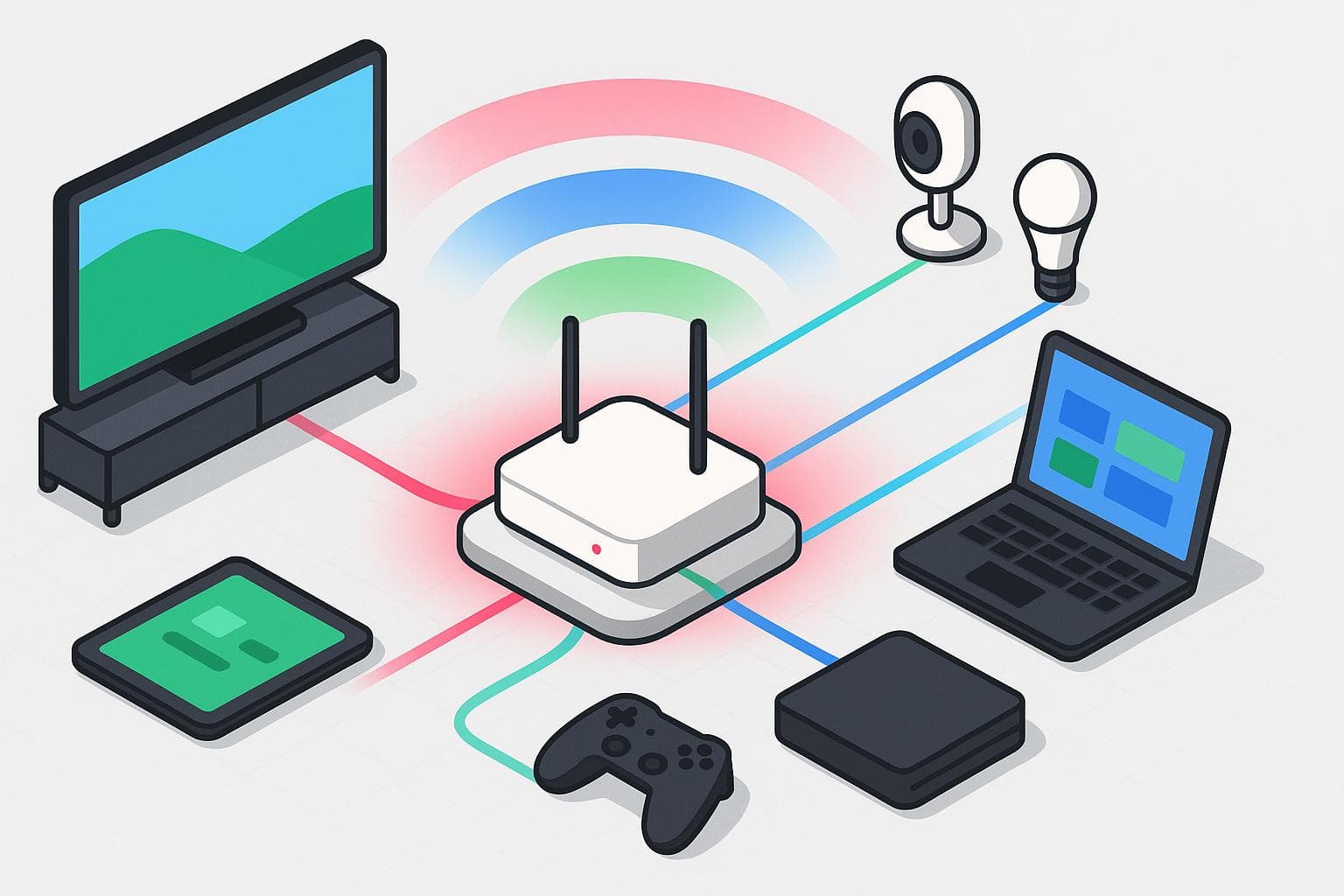
- Bandwidth is the amount of data your internet connection can handle per second, measured in Mbps.
- Multiple devices and users add up. Add the bandwidth needs of each stream or activity to find your household’s total.
- Upload speed matters for livestreaming and video uploads, not just download speed.
When you hit play on Netflix or fire up a live game stream, one invisible factor determines whether you enjoy smooth, crisp video or suffer through endless buffering: bandwidth. What is bandwidth? Bandwidth is the amount of data your internet connection can handle at once, and it determines how well streaming services perform. We’ll break down everything you need to know to calculate your home’s bandwidth, whether you’re a casual viewer or managing a family of binge-watchers.
Watch: How Bandwidth Affects Streaming Quality
Confused about how bandwidth could get in the way of your streaming experience? We break down what happens to your show or movie when you don’t have enough bandwidth (and what you can do to prevent buffering).
What Is Streaming Bandwidth?
Streaming bandwidth is the amount of data your internet connection can transmit per second when you’re watching video or listening to music online. It’s typically measured in megabits per second (Mbps). The higher your available bandwidth, the more smoothly you can stream high-quality content without interruptions.
When bandwidth is too low for the quality you’re trying to watch, the result is buffering, blurry video, lag or audio that cuts in and out. Having enough bandwidth ensures crisp visuals, smooth playback and the ability to stream on multiple devices at once.
Here’s a quick look at average bandwidth needs for common streaming activities:
- Music streaming: 0.5–1.5 Mbps
- Standard Definition (SD) video: 2–3 Mbps
- High Definition (HD) video (720p–1080p): 5–8 Mbps
- 4K Ultra HD video: 15–25 Mbps
- Livestreaming: 6–15 Mbps
- Video conferencing: 2–6 Mbps per participant
Keep in mind that these numbers are per stream. If multiple people in your household are streaming at the same time, you’ll need to multiply accordingly.
Bandwidth vs. Internet Speed: What’s the Difference?
Bandwidth and internet speed are often used interchangeably, but they’re not the same thing. In short, high bandwidth lets you run multiple high-quality streams at once, while high speed ensures those streams load quickly and respond without delay.
Think of it like the width of a highway. The wider the road (higher bandwidth), the more cars (data) can move through without congestion. Internet speed is how fast data travels to and from your device. Even with a wide highway, if the cars are moving slowly, your experience will lag. Both matter for a seamless streaming experience, but bandwidth is the key number to focus on when calculating how much internet you really need.
What Influences Streaming Bandwidth?

Several factors shape how much bandwidth you need and how smooth your streaming experience will be. Understanding these terms helps you see the full picture of what’s happening behind the scenes every time you hit play.
- Bitrate: Bitrate refers to how much data is transmitted per second in a video or audio stream. It’s measured in Mbps. Higher bitrate means better quality (sharper video and clearer sound), but it also demands more bandwidth. For example, a 4K video has a much higher bitrate than an SD video.
- Throughput: Throughput is the actual amount of data successfully delivered over your internet connection. While bandwidth is the maximum capacity (like the width of a pipe), throughput reflects real-world performance, which can be lower due to network congestion or signal issues.
- Latency: Latency is the delay between when data is sent and when it reaches your device, measured in milliseconds (ms). High latency leads to lag, which is especially noticeable in livestreaming, video calls, or online gaming. Even if you have plenty of bandwidth, high latency can ruin the experience.
- Download speed: Download speed is how quickly you receive data from the internet. This metric is the primary factor for video and music streaming.
- Upload speed: Upload speed is how quickly you send data to the internet. While less critical for watching Netflix, it matters for livestreaming, video conferencing, and gaming.
- Network congestion: Your available bandwidth is shared across devices. If multiple people in your household are streaming, gaming, or downloading files at the same time, each device gets a smaller share of the total bandwidth, which can cause buffering or reduced quality.
How Resolution Affects Bandwidth
Resolution measures how many pixels make up a video image. The higher the resolution, the sharper and more detailed the picture — and the more data it takes to deliver a complete image. Pair that with frame rate (how many frames of video are shown per second), and you get a clear picture of how demanding a stream will be on your bandwidth.
Here’s a quick reference chart showing common video resolutions, frame rates and their average bandwidth requirements:
| Resolution | Frame rate | Bandwidth needed |
|---|---|---|
| 480p (SD) | 30 fps | 1–3 Mbps |
| 720p (HD) | 30 fps | 3–5 Mbps |
| 1080p (Full HD) | 30–60 fps | 5–12 Mbps |
| 1440p (2K) | 30–60 fps | 12–20 Mbps |
| 2160p (4K UHD) | 30–60 fps | 15–40 Mbps |
| 4320p (8K) | 60 fps | 40–100+ Mbps |
How Much Bandwidth You Need by Activity
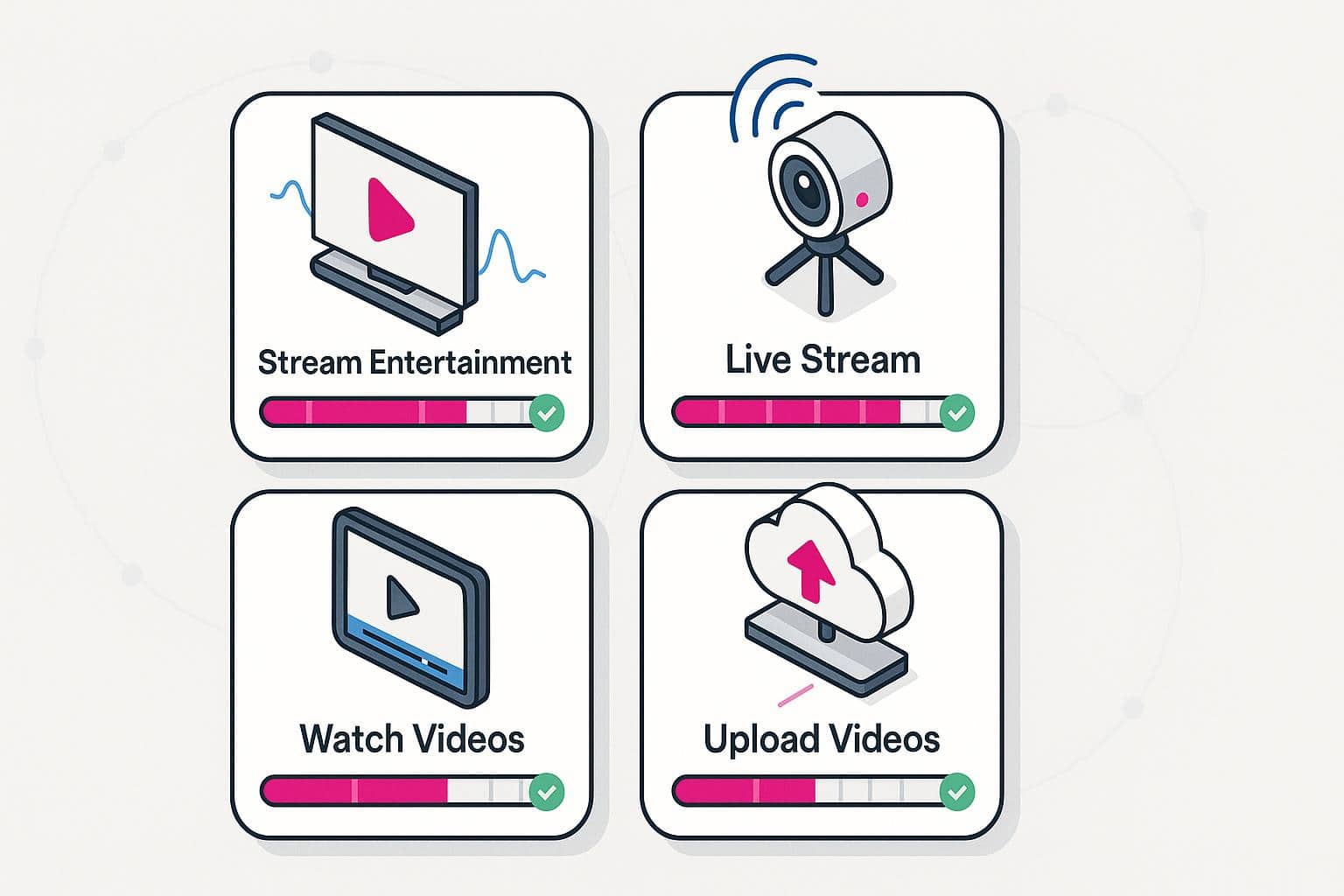
Not all online activities place the same demands on your internet connection. Streaming a movie, hosting a live broadcast, or uploading a video each use bandwidth differently. To make sure you’re getting the smoothest experience, here’s a breakdown by activity.
How Much Bandwidth Do I Need to Stream Entertainment?
| Platform | SD (480p) | HD (720p–1080p) | 4K Ultra HD |
|---|---|---|---|
| Netflix | 1.5 Mbps | 3–5 Mbps | 15–25 Mbps |
| Hulu | 1.5 Mbps | 3–6 Mbps | 16 Mbps |
| Disney+ | 2 Mbps | 5–7 Mbps | 25 Mbps |
| Prime Video | 1 Mbps | 5 Mbps | 15–25 Mbps |
| HBO Max | 3 Mbps | 5 Mbps | 25 Mbps |
How Much Bandwidth Do I Need to Live Stream?
| Platform | 720p at 30 fps | 1080p at 60 fps |
|---|---|---|
| Twitch | 3–6 Mbps | 4.5–9 Mbps |
| YouTube Live | 2.5–5 Mbps | 4.5–9 Mbps |
| Facebook Live | 4 Mbps | 6–8 Mbps |
| Instagram Live | 2–4 Mbps | N/A |
How Much Bandwidth Do I Need to Watch Videos Online?
| Platform | SD (480p) | HD (720p–1080p) | 4K Ultra HD |
|---|---|---|---|
| YouTube | 1 Mbps | 5–8 Mbps | 20–25 Mbps |
| TikTok | 1–3 Mbps | 4 Mbps | N/A |
| 1–2 Mbps | 3–5 Mbps | N/A | |
| 1 Mbsp | 4 Mbps | 15–25 Mbps |
How Much Bandwidth Do I Need to Upload Videos?
| Platform | HD Upload (720p–1080p) | 4K Upload |
|---|---|---|
| YouTube | 5–10 Mbps | 20–30 Mbps |
| TikTok | 3–5 Mbps | N/A |
| 3–5 Mbps | N/A | |
| 3–6 Mbsp | 15–25 Mbps | |
| Twitch | 5–10 Mbps | 20+ Mbps |
Bandwidth Calculator: How to Figure Out What You Need
Now that you know how much bandwidth different activities require, let’s put it all together. Think of this as a quick walkthrough to help you estimate the right internet plan for your household.
- Step 1: Count Your streamers. How many people in your household are streaming at the same time? Multiply that number by the average requirement of the streaming quality they use.
- Step 2: Add other activities. Add in gaming, video calls, and background tasks like downloads or smart home devices.
- Step 3: Factor in video quality. If your household often watches in 4K, you’ll need significantly more bandwidth. Plan for at least 15–25 Mbps per 4K stream.
- Step 4: Add it all up. Add together all the numbers from Steps 1–3.
- Step 5: Build in a buffer. Internet speeds fluctuate, and devices run in the background. Add an extra 25–30% buffer to your total to avoid bottlenecks.
Here’s a good rule of thumb to follow based on your household size and internet usage:
- Small household (1–2 users, light streaming): Up to 100 Mbps
- Medium household (3–4 users, mix of HD and 4K): 100-300 Mbps
- Large household (4+ users, heavy 4K, gaming, uploads): 500 Mbps to 1 Gbps
Frequently Asked Questions About Streaming Bandwidth
What is a good bandwidth for streaming?
A good bandwidth for streaming depends on video quality and how many people are watching at once. For smooth HD streaming, aim for at least 5–8 Mbps per stream. For 4K Ultra HD, you’ll want 15–25 Mbps per stream. If multiple people are streaming or using the internet at the same time, add those numbers together and include a buffer. In general, a household will need anywhere from 100 Mbps for light use to 300+ Mbps for heavy, multi-device streaming.
Is 100 Mbps fast enough for live streaming?
In most cases, 100 Mbps is more than enough for livestreaming. Platforms like Twitch and YouTube Live typically recommend 3–9 Mbps for HD streaming and up to 20 Mbps for 4K. With a 100 Mbps connection, you’ll have plenty of headroom to livestream while others in your household browse online. Just keep in mind that livestreaming relies heavily on upload speed, so make sure your plan provides strong upload performance, not just download.
How do I check my bandwidth?
The easiest way to check your bandwidth is to run an internet speed test using a free tool from BroadbandNow or Speedtest. These tools measure your download speed, upload speed, and latency. Compare the results to the bandwidth requirements for the activities you do most (such as streaming HD or 4K video). For the most accurate results, connect your device directly to your router via Ethernet and run the test several times at different times of day to see if speeds fluctuate.
What broadband speed do I need for a smart TV?
Broadband speeds for a smart TV depend on what you’re watching. Streaming in standard definition (SD) works on as little as 2–3 Mbps, while HD content usually requires 5–8 Mbps. If you’re streaming 4K Ultra HD on your smart TV, plan for at least 15–25 Mbps per stream. Smart TVs may also run background updates or apps, so having a little extra bandwidth ensures a smooth viewing experience.
How do I know if my internet is good enough for streaming?
To know if your internet is good enough, compare your actual speeds with the requirements of the platforms you use. Run a speed test and check that your download speed meets or exceeds 5 Mbps for HD or 15–25 Mbps for 4K per stream. Also check upload speed if you’re livestreaming or video conferencing. If you often experience buffering, lag, or reduced video quality, it’s a sign your bandwidth isn’t keeping up with your household’s demands, and you may need an upgrade.