Best MoCA Adapters of 2026
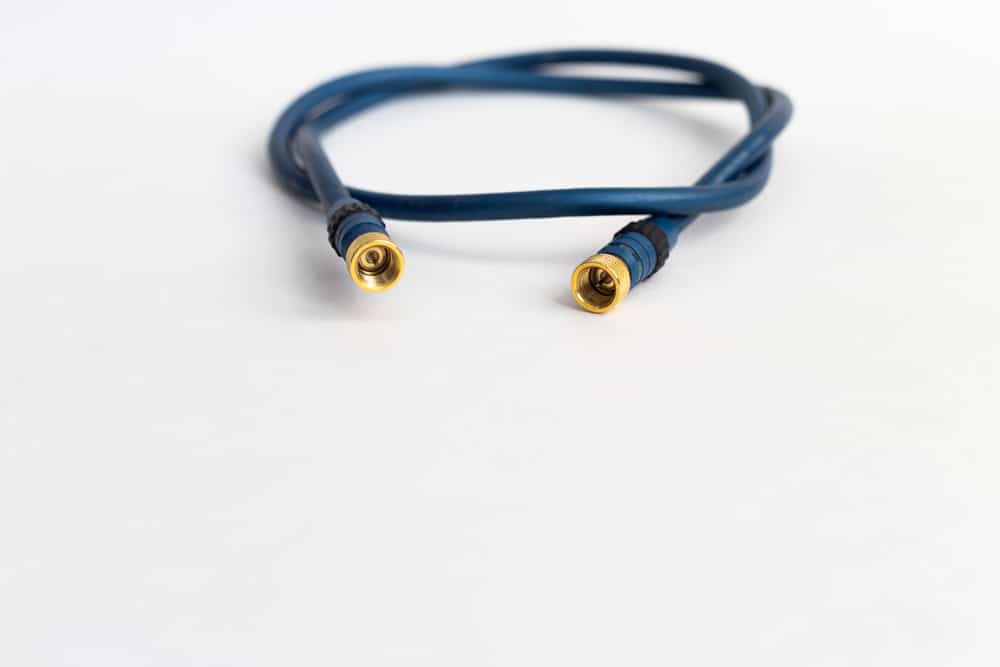
Tired of dead zones or laggy Wi-Fi? A MoCA adapter might be just what you need. Short for Multimedia over Coax Alliance, MoCA utilizes the same coaxial cables already running through your home to establish a fast and reliable wired internet connection. That means no messy new wiring and a significant performance boost. It’s an excellent option for gamers who can’t stand lag, families who stream on multiple TVs, or anyone in a larger home where Wi-Fi signals struggle to reach every corner. With so many MoCA adapters on the market, it can be challenging to find the right one for your needs. In this guide, we’ve compiled all the ones worth considering.
Best MoCA Adapters: A Quick Comparison
If it’s your first time shopping for MoCA adapters, you’ll want to weigh your options. Below is a side-by-side comparison of the top MoCA adapters currently available.
| MoCA Adapter | Speed | MoCA version | Max devices | Ports | Price range | Pros | Cons |
|---|---|---|---|---|---|---|---|
| Actiontec ECB6200S02 | 1 Gbps | 2.0 | 16 | 1 | $40–$100 | Easy plug-and-play setup | Potential compatibility issues |
| Motorola MM1000 | 1 Gbps | 2.0 | 16 | 1 | $75–$100 | Backwards compatible | Setup hiccups |
| Hitron HT-EM4 Bonded MoCA 2.5 Adapter | 2.5 Gbps | 2.5 | 16 | 1 | $75–$105 | Low latency | Connection drops |
| goCoax WF-803M | 2.5 Gbps | 2.5 | 16 | 1 | $60–$120 | High-speed performance | Slow reconnection after power loss |
| Translite TL-MC85 MoCA 2.5 Network Adapter | 2.5 Gbps | 2.5 | 16 | 2 | $70–$100 | Interference proof | Setup difficulties |
| Kiwee KB-M3-02 | 2.5 Gbps | 2.5 | 16 | 2 | $100–$120 | Dual Ethernet ports | High cost |
Actiontec ECB6200S02
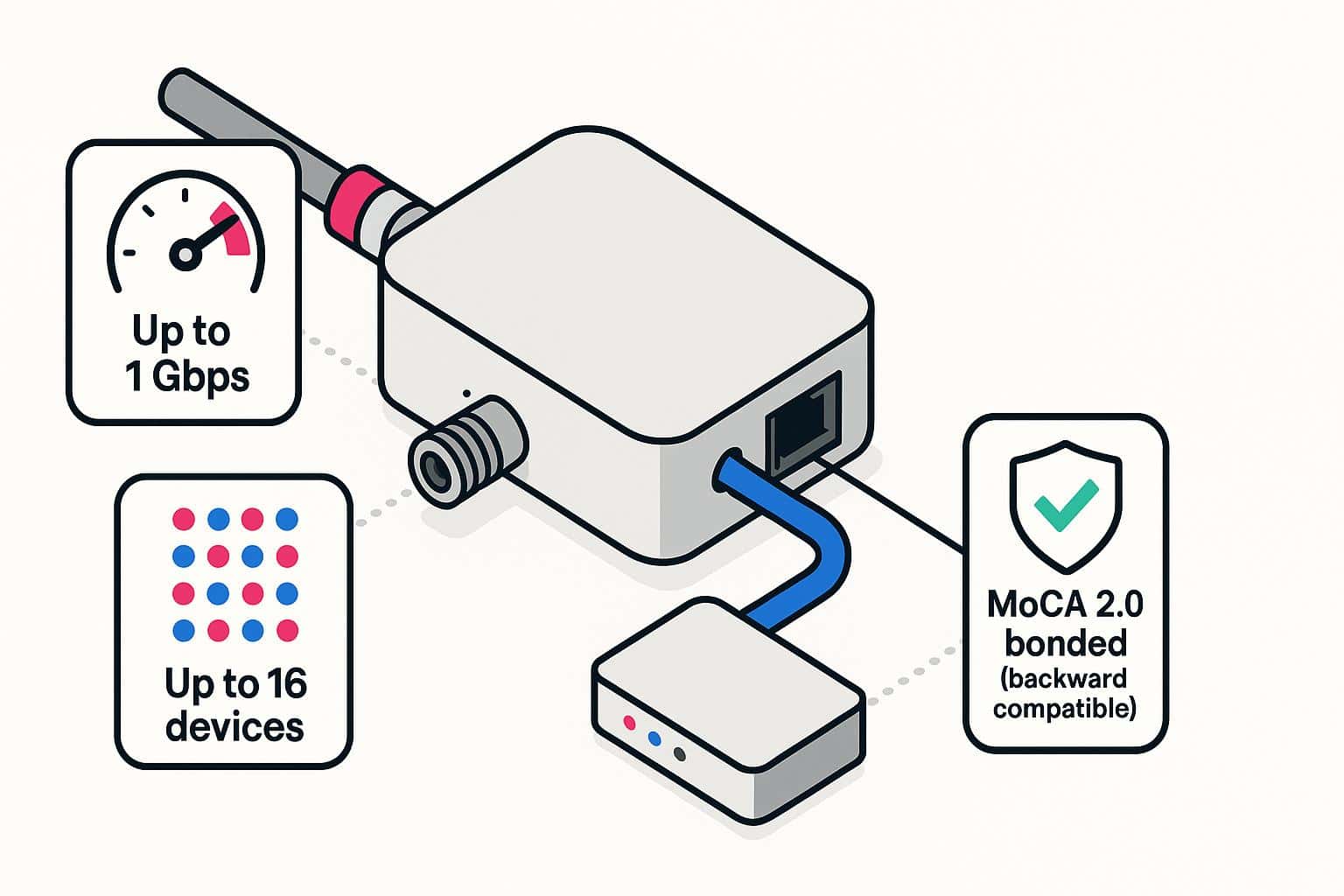
Actiontec has gained a reputation for offering excellent products for internet networking. This Actiontec ECB6200S02 MoCA adapter is another outstanding product delivering fast speeds, easy installation, and an attractive design.
The ECB6200S02 supports speeds of up to 1 Gbps and allows up to 16 devices to be connected simultaneously, which is more than the average user has in their entire home. The adapter is backward compatible with its MoCA 2.0 bonded technology.
Motorola MM1000
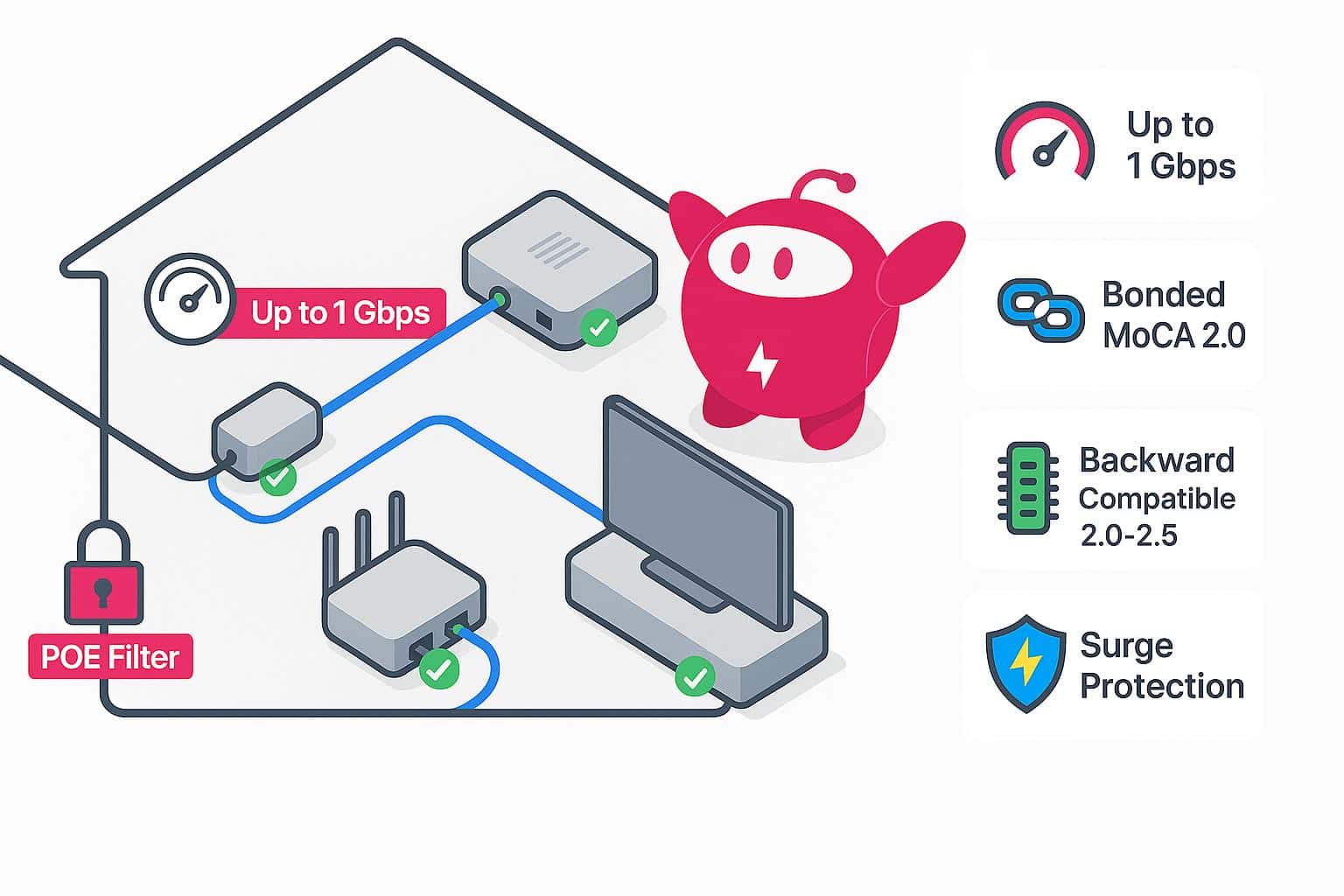
The Motorola MM1000 has received excellent customer and expert reviews, and it’s one of the most reliable adapters on the market. It delivers speeds of up to 1 Gbps and supports the latest bonded MoCA 2.0 technology. It’s also backward compatible with other MoCA devices, including MoCA 2.5.
An added security feature in this adapter is its point-of-entry filter, which prevents any unauthorized access to the MoCA network. It also has built-in ruggedized lightning and power-surge circuits. The professional and friendly U.S.-based technical support is an added benefit.
Hitron HT-EM4 Bonded MoCA 2.5 Adapter
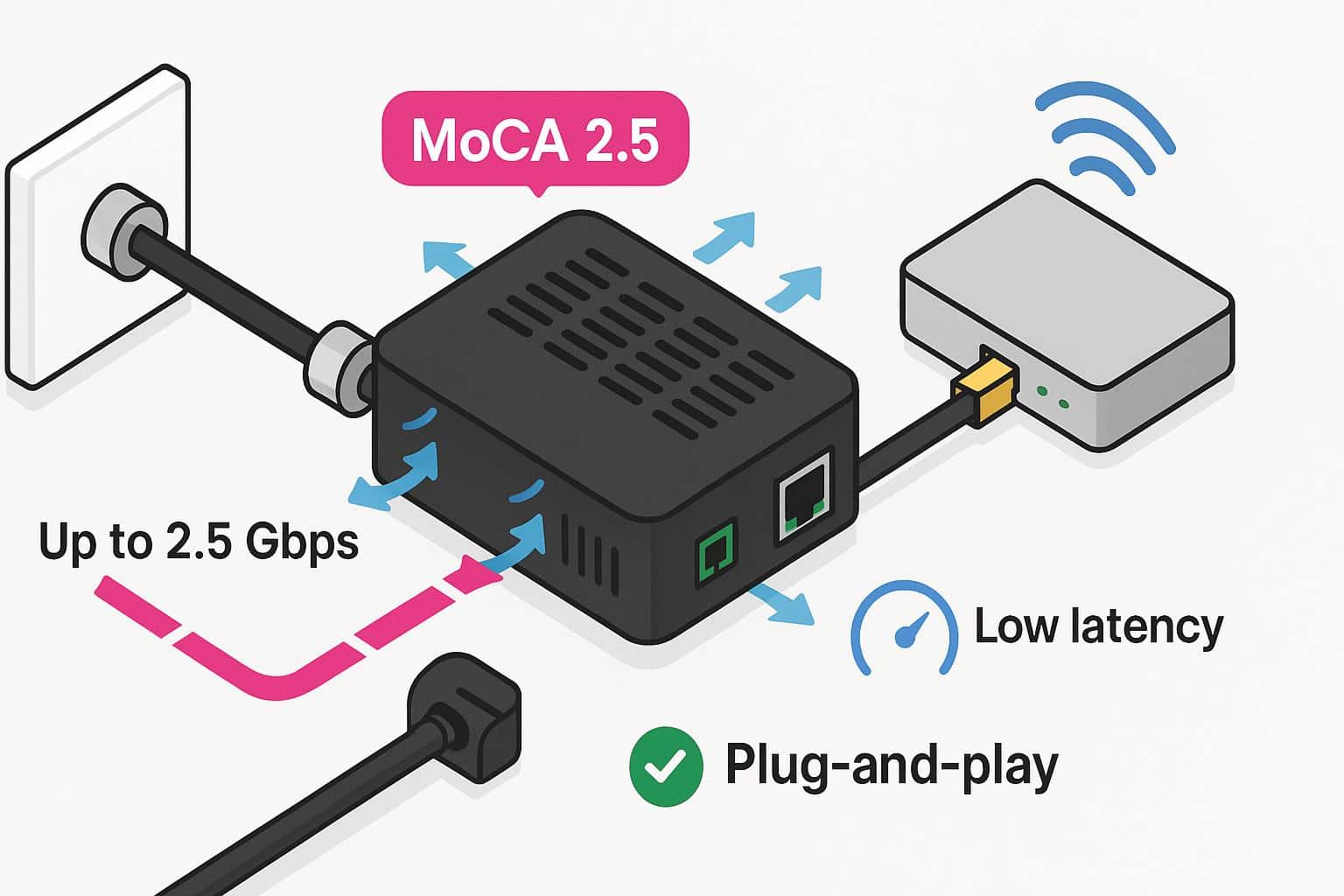
With its MoCA 2.5 technology, this adapter by Hitron offers low latency, excellent reliability, and high speeds. The MoCA 2.5 is the latest technology and experiences less interference than previous versions. It also supports high speeds of up to 2.5 Gbps — enough to handle the fastest internet connections.
The plug-and-play setup means the adapter automatically connects to your network without any configuration. The Hitron HT-EM4 comes in a black matte housing with ventilation on six sides. You won’t have to worry about placement to prevent overheating since it will get plenty of ventilation.
goCoax WF-803M
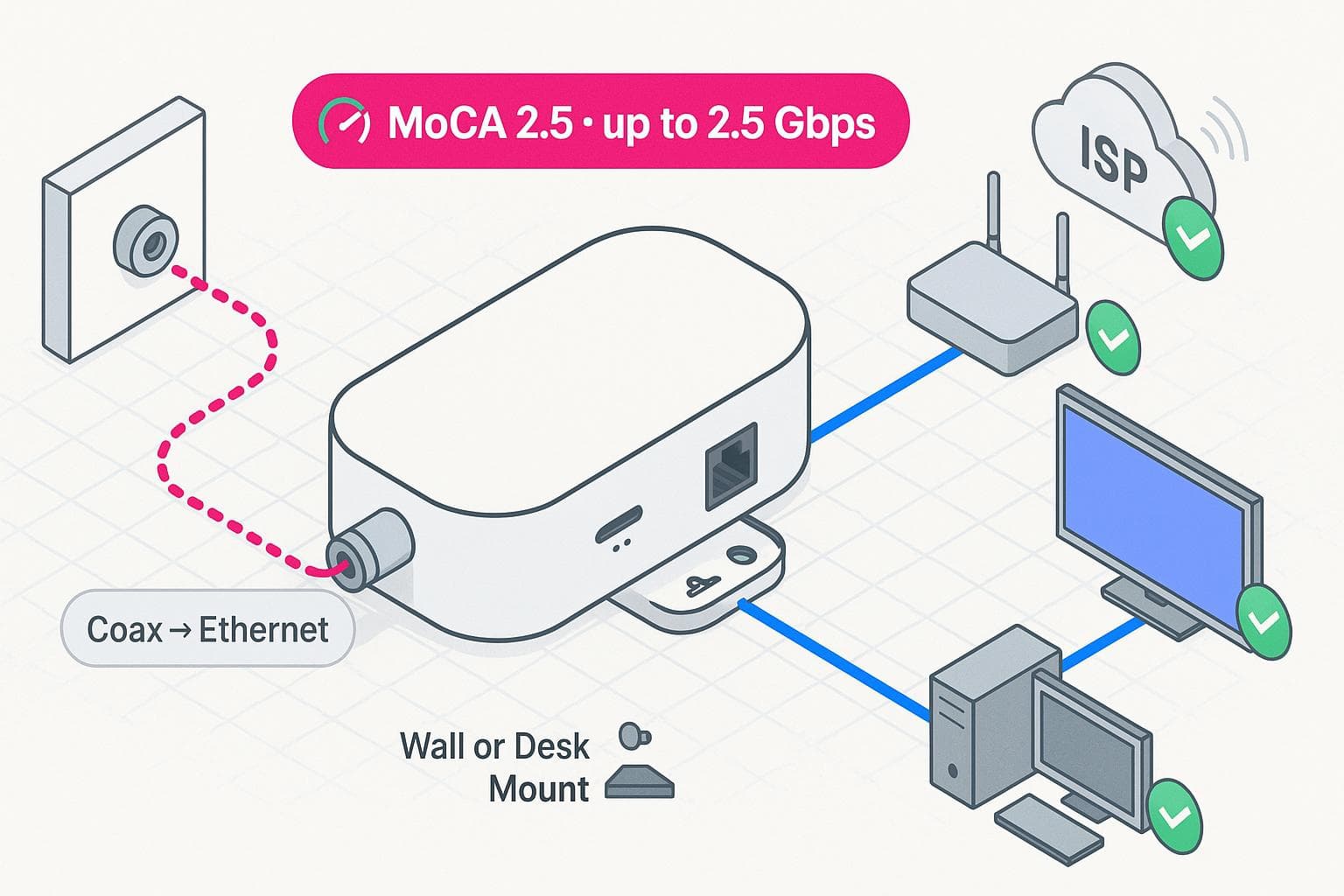
With its white plastic housing and oval profile, the goCoax WF-803M looks different from other MoCA adapters. It has 2.5 MoCA Technical, delivering a maximum speed of 2.5 Gbps — enough for most modern devices.
Whether you have AT&T, Comcast Xfinity, or any of the other top ISPs, the goCoax WF-803M will allow you to enjoy the internet to its maximum potential. The sleek and lightweight case can be mounted on the wall or desk. Verizon Fios offers deals that sometimes include a MoCA adapter.
Translite TL-MC85 MoCA 2.5 Network Adapter
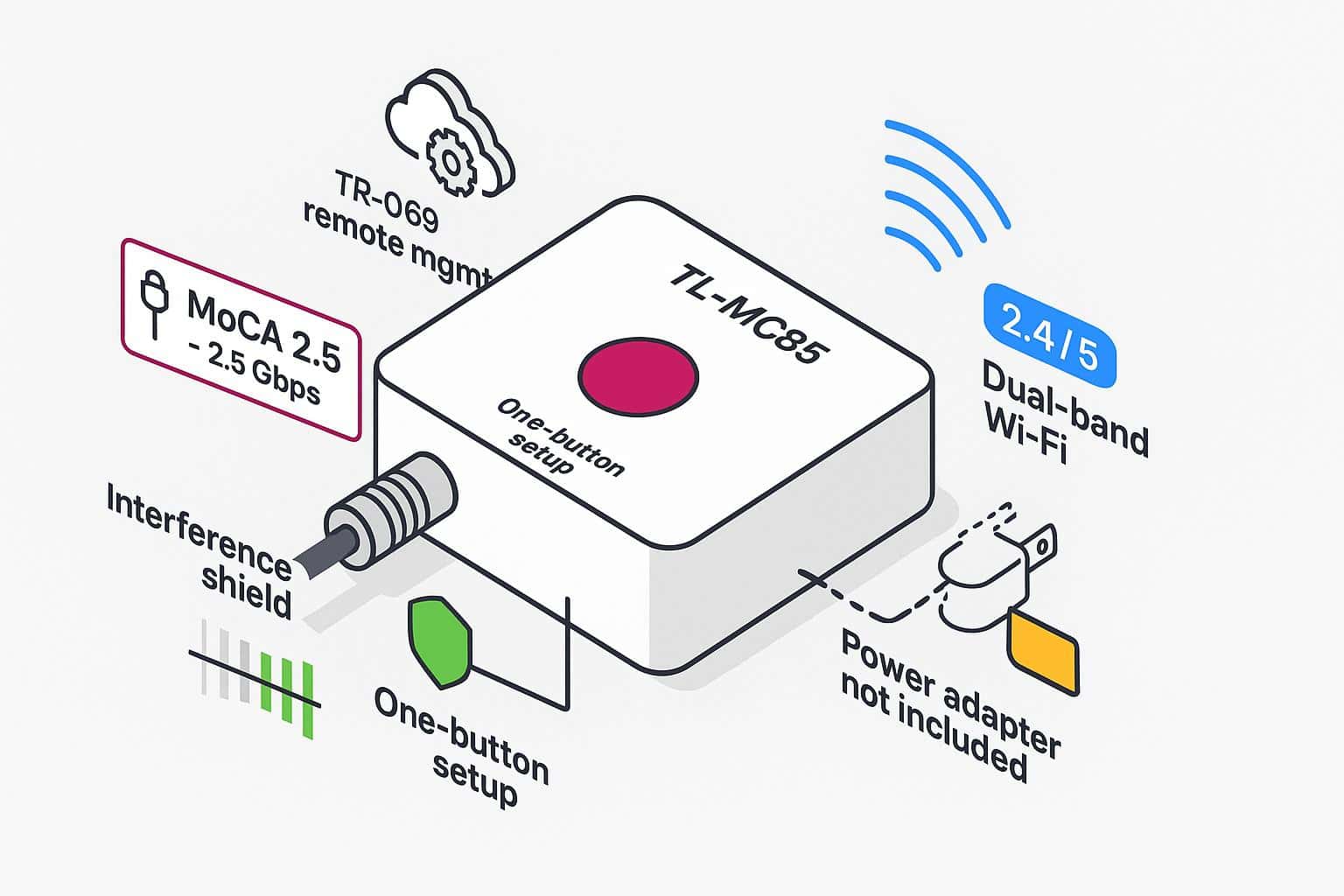
Translite is a relatively new entry to networking adapters, but the TL-MC85 model makes it onto this list nonetheless. The adapter is available in black or white housing. It has MoCA 2.5, with a maximum speed of 2.5 Gbps, which is enough to power all the devices in your home. The built-in Wi-Fi router is dual-band 2.4 GHz and 5.0 GHz and has TR-069 remote management capability.
A unique feature of this adapter is its strong interference-proof capability, which it achieves by avoiding high noise at a lower frequency. The setup is as simple as pressing a button and letting the auto-connect handle the configuration. Surprisingly, the Translite TL-MC85 doesn’t come with a power adapter, so you’ll have to purchase one separately.
Kiwee KB-M3-02
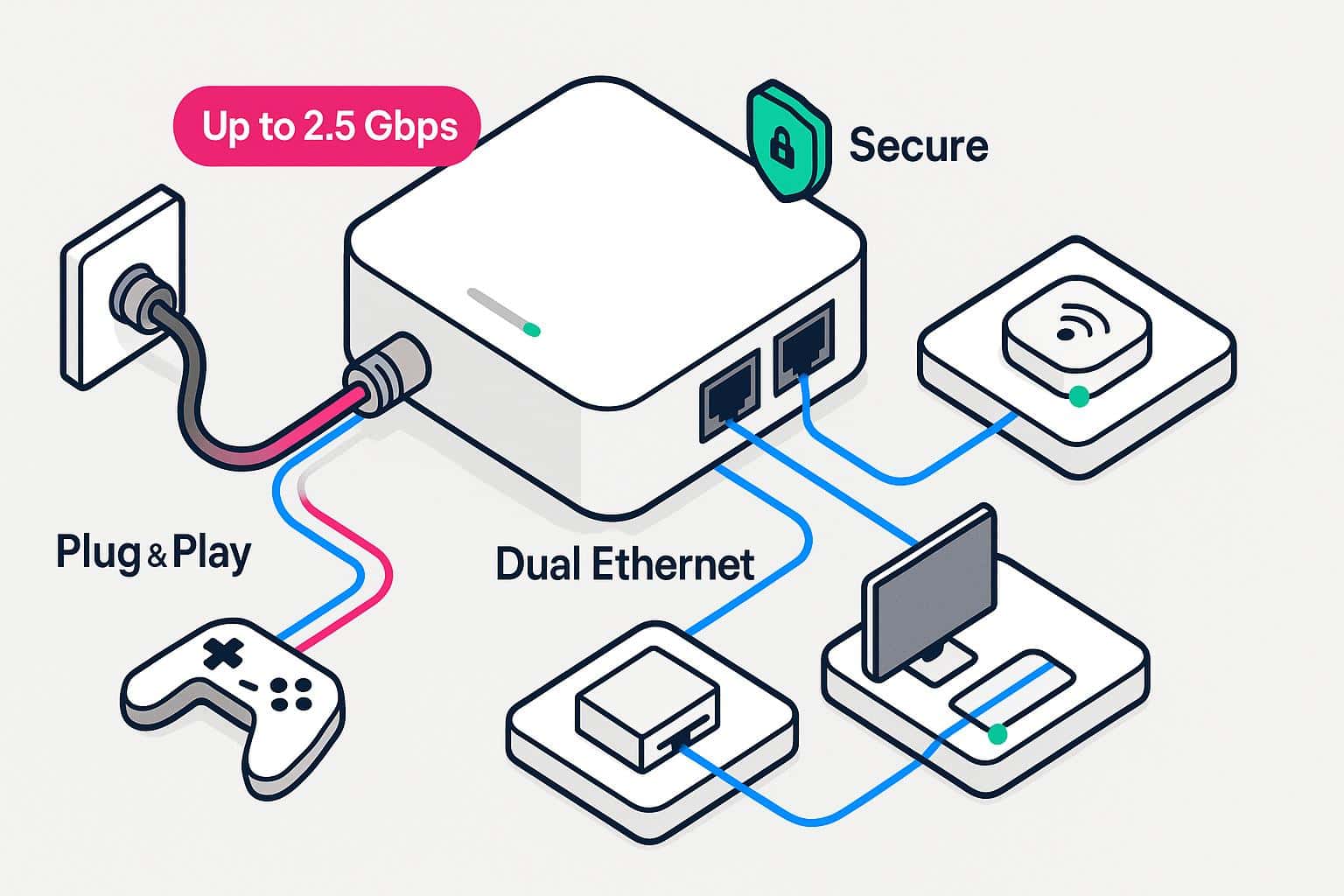
Upgraded from the Kiwee KB-M2B-01, this MoCA network adapter will instantly boost your internet range and reliability. With speeds of up to 2.5 Gbps, it can support gaming devices, computers and smart home devices. Plus, the dual Ethernet ports allow multiple high-speed devices to connect simultaneously without sacrificing bandwidth.
The plug-and-play setup will get the device up and running in a few seconds, and the white housing will blend nicely with most interior decor. When using MoCA adapters, it’s always a good idea to secure your home network.
MoCA Buyer’s Guide: What You Need to Know
If you’re ready to find the right MoCA adapter for your home, there are a few key featur
es to consider to choose the best fit. Understanding the different MoCA versions, security features and latency benefits will help you pick the right device for your setup.
MoCA Versions: 2.0 vs. 2.5
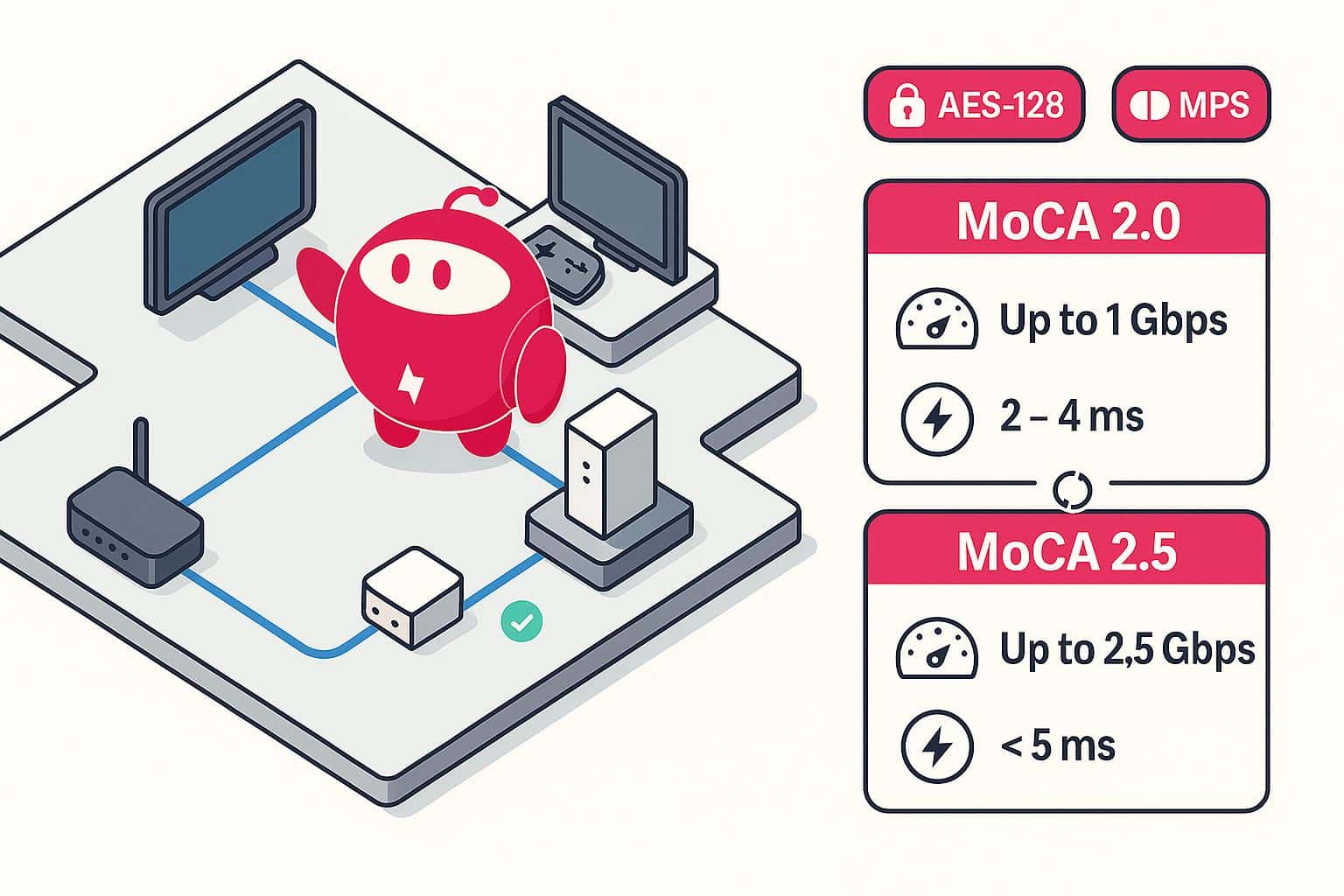
MoCA 2.0 adapters, such as the Actiontec ECB6200S02 and Motorola MM1000, offer speeds of up to 1 Gbps with a latency of around 2–4 milliseconds. This makes them well-suited for HD streaming, video conferencing and basic internet tasks.
MoCA 2.5 models, such as the Hitron HT-EM4, goCoax WF-803M, Translite TL-MC85 and Kiwee KB-M3-02, support speeds up to 2.5 Gbps while maintaining latency under 5 milliseconds. This extra bandwidth and low latency are beneficial for households with multiple streaming devices, gamers and those transferring large files across their networks. Both versions are backward compatible with older MoCA adapters, making the upgrade process fairly straightforward.
Security Features
Most MoCA adapters, including the Kiwee KB-M3-02 and Hitron HT-EM4, support MoCA Protected Setup (MPS), which allows secure pairing between adapters using a simple push-button method, similar to Wi-Fi Protected Setup (WPS). AES-128 encryption protects data transmitted over the coaxial network.
Low Latency for Gamers
One of the biggest advantages of MoCA technology is low latency. Gaming, video streaming and smart home devices all benefit from a fast, stable wired backbone. MoCA 2.0 adapters like the Motorola MM1000 keep latency around 2–4 milliseconds, enough for smooth online gaming.
If you want maximum performance, MoCA 2.5 adapters such as the Hitron HT-EM4 or Translite TL-MC85 provide slightly higher latency under 5 milliseconds, which is still extremely low. For competitive gamers or households with multiple gamers, this makes a MoCA backbone far superior to Wi-Fi alone. Even devices like the goCoax WF-803M and Kiwee KB-M3-02 offer this low-latency benefit while supporting multiple high-speed connections simultaneously.
How to Connect a MoCA Adapter
Setting up a MoCA adapter is easier than you might think, especially with plug-and-play models. With a few simple connections, you can turn your existing coax outlets into high-speed wired network ports. Here’s a general guide to get you started, but the exact steps vary based on which adapter you have:
- Identify your coax outlets. Look for the coaxial wall outlets in the rooms where you want wired connections.
- Connect the first adapter to your router. Take one MoCA adapter and connect it to your router using an Ethernet cable. Connect the adapter to a nearby coax outlet using a coaxial cable. Plug in the adapter’s power supply and wait for the indicator lights to show it’s powered and connected.
- Install the second adapter in another room. Go to the room where you want a wired connection, such as a gaming console or smart TV. Connect a second MoCA adapter to the coax outlet with a coaxial cable. Use an Ethernet cable to connect the adapter to your device, plug in the power supply, and wait for the connection lights to stabilize.
- Check the connection. Most MoCA adapters have LED indicators that show when a connection is established. Ensure the lights indicate an active MoCA link and a live Ethernet connection to your device.
- Repeat for additional rooms. If you want more wired connections, repeat the process with additional adapters in other rooms.
Frequently Asked Questions About MoCA
Is MoCA better than Wi-Fi?
MoCA isn’t exactly better than Wi-Fi, but it can be more reliable for specific uses. Wi-Fi signals can weaken with distance, walls or interference, which often causes lag or buffering. MoCA creates a wired connection through your home’s coaxial cables, giving you faster speeds and steadier performance.
Do I need two MoCA adapters?
You’ll need at least two MoCA adapters to set up a working connection. One adapter connects to your router, and the other connects to the coax outlet in the room where you want better internet. This creates the wired bridge between your router and the device you’re using. The exception is if your router or modem already has built-in MoCA support.
What are the disadvantages of MoCA adapters?
The biggest limitation with MoCA adaptors is that they only work if your home has coaxial wiring, which not all houses do. They also require an outlet for each adapter, which could mean using up space on your outlet or power strip. Another consideration is cost. You’ll usually need to buy at least two adapters to get started.
Are MoCA adapters as good as Ethernet?
MoCA adapters come close to Ethernet in terms of speed and stability. In fact, many setups can achieve speeds of up to 1 Gbps or higher, which is more than enough for streaming, gaming and working from home. However, Ethernet is still slightly better if you want the fastest and lowest-latency connection possible.
Does MoCA affect TV signal?
No, MoCA won’t interfere with your TV signal. The technology is designed to share the coaxial wiring in your home without disrupting cable TV or other services. MoCA adapters use different frequency ranges than television signals, so they can run alongside each other without issue.