Funny Wi-Fi Names to Use for Your Home Network
These hilarious network names will put the LOL in your LAN.
- Customizing your network name is an easy way to make your home Wi-Fi more personal, showcase your sense of humor, or subtly discourage freeloaders.
- A unique, funny Wi-Fi name can also help you identify your network faster.
- You can change your Wi-Fi name and password through your router settings.
Your home Wi-Fi network name might not mean anything to you, but it’s an opportunity to add a personal touch. The right network name can reflect your personality and deter freeloaders (no one wants to hack into “FBI Surveillance Van 4”). From witty one-liners to nerdy nods and lyric wordplay, this guide offers plenty of inspiration for personalized network names that work for every sense of humor. We’ll also walk you through how to change your Wi-Fi name while giving you tips and tricks to keep it safe and appropriate.
Why You Should Choose a Funny Wi-Fi Name
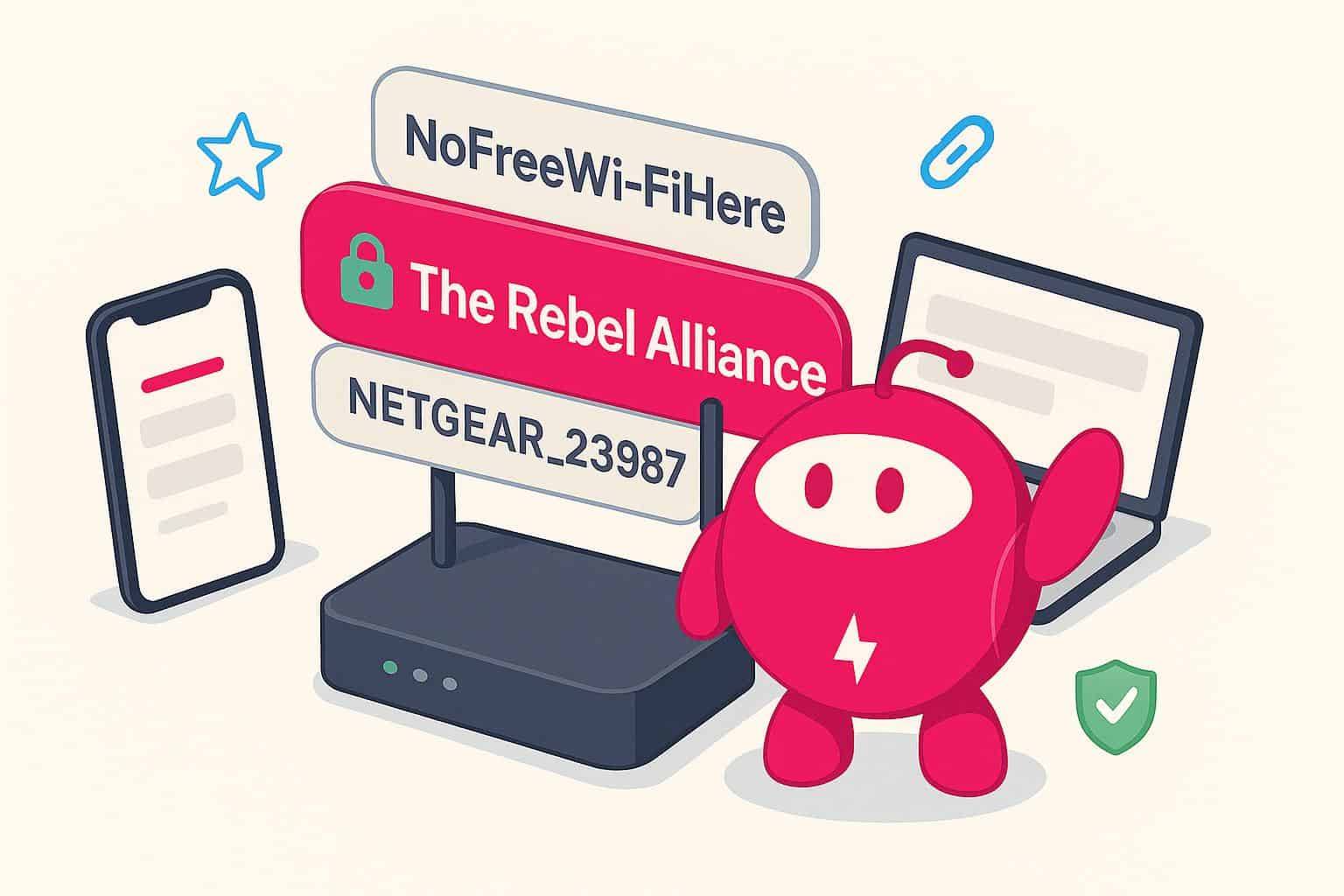
Your Wi-Fi network name, or SSID (Service Set Identifier), is the first thing people see when they connect to your home Wi-Fi network. Most people stick with the default string of letters and numbers shown on their router, missing the opportunity to inject personality into an overlooked part of their home network setup. Your visitors would probably find it more amusing to get a notification saying, “You are now connected to ‘The Rebel Alliance’” than “You are now connected to ‘NETGEAR_23987.’”
Beyond laughs, a custom Wi-Fi name can be a lighthearted deterrent to would-be freeloaders (NoFreeWi-FiHere), a conversation starter when guests ask to connect, or a reminder that your sense of humor is alive and well even when the signal isn’t. Coming up with a creative SSID makes your network more memorable, easier for guests to find, and safer from hackers.
Funny Wi-Fi Name Categories
Here’s a breakdown of the most popular categories of funny Wi-Fi names to help you find the perfect fit for your sense of humor:
| Category | Description | Examples |
|---|---|---|
| Pop Culture | Jokes from movies, TV shows, celebrities or memes | Bill Wi the Science Fi |
| Puns and Wordplay | Classic puns or clever twists on everyday phrases | This LAN is my LAN |
| Geeky | Humor for techies, gamers, coders and internet lovers | 404 Network Not Found |
| Passive-Aggressive | Snarky or ironic messages clearly meant for nosy neighbors | Thou Shalt Not Covet Thy Neighbor’s Wi-Fi |
| Dad Jokes | Groan-worthy names that are so bad they’re good | Nacho Wi-Fi |
| Top Reddit Finds | Favorite Wi-Fi names from Reddit | Rebellious Amish Family |
| Adult Humor | Edgy or innuendo-laced names | Router? I Hardly Know Her! |
| Custom Inside Jokes | Based on family nicknames or inside jokes | Mom’s Wi-Fi Don’t Touch |
How to Change Your Wi-Fi Name
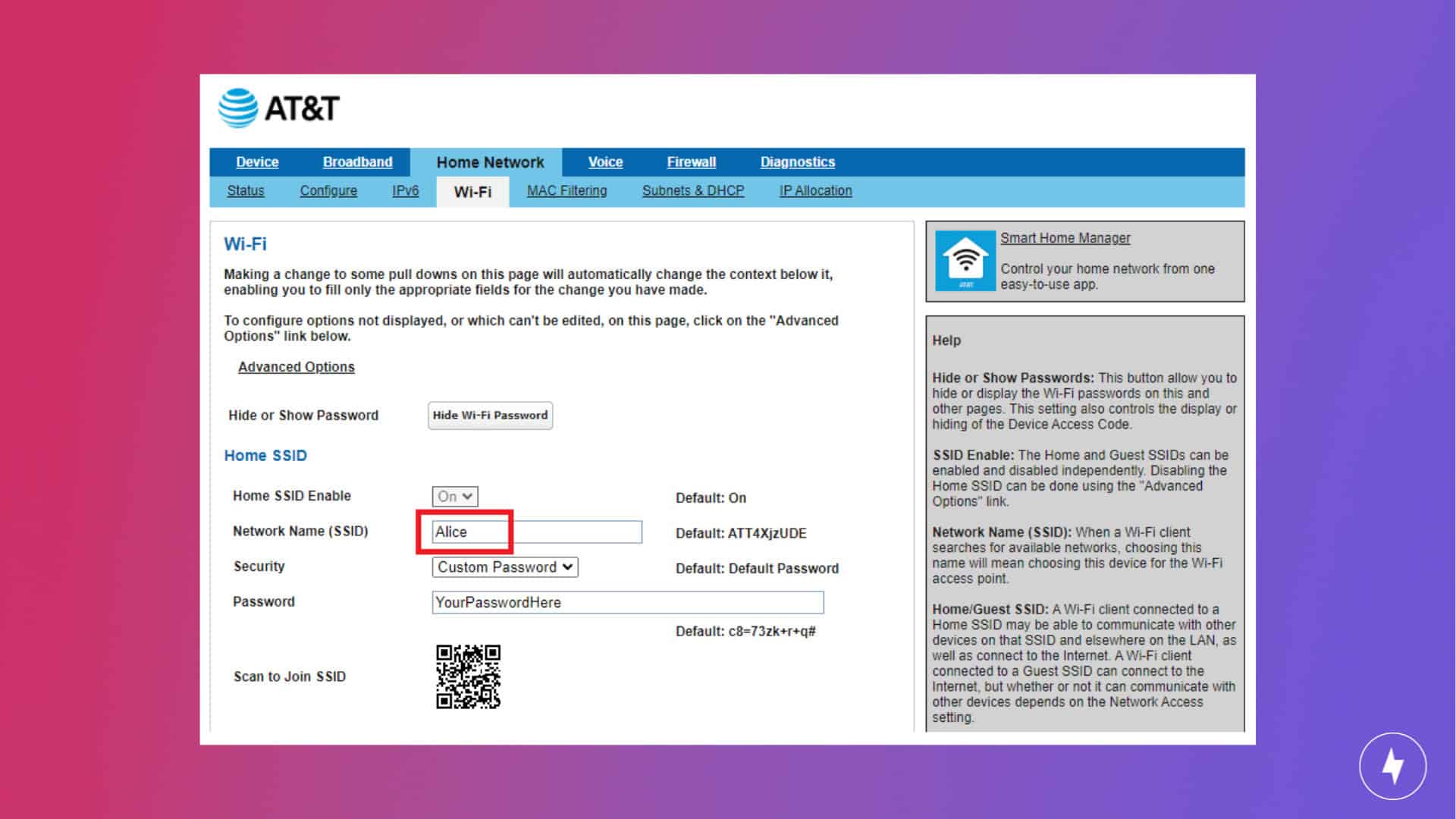
If you’re ready to move on from “TP-Link_0032,” changing your network name will make it feel more personal. For most modern routers, follow these basic steps to change your Wi-Fi name:
- Connect to your Wi-Fi network. You’ll need to connect to the network you want to rename wirelessly or through an Ethernet cable.
- Open a web browser and enter your router’s IP address (something like 192.168.1.1) in the address bar. If you’re unsure where to find it, check the label on your router or consult the manual.
- Log in using your admin username and password. If you’ve never changed these credentials, they may still be set to the default. Now’s a good time to reset your Wi-Fi password and name to something more secure than “admin” and “password123.”
- Navigate to the wireless settings. Look for a menu called Wireless or Wi-Fi Settings.
- Enter your new Wi-Fi name in the SSID field. Choose a pun, pop culture reference or something unique.
- Save your changes and restart the router. Some routers have to reboot for the new name to take effect. Once it’s saved, your device will prompt you to reconnect with the new name.
Changing your SSID won’t affect your Wi-Fi password, but since your devices may not automatically recognize the new network name, you’ll need to reconnect your devices manually.
Tips for Choosing a Funny Wi-Fi Name
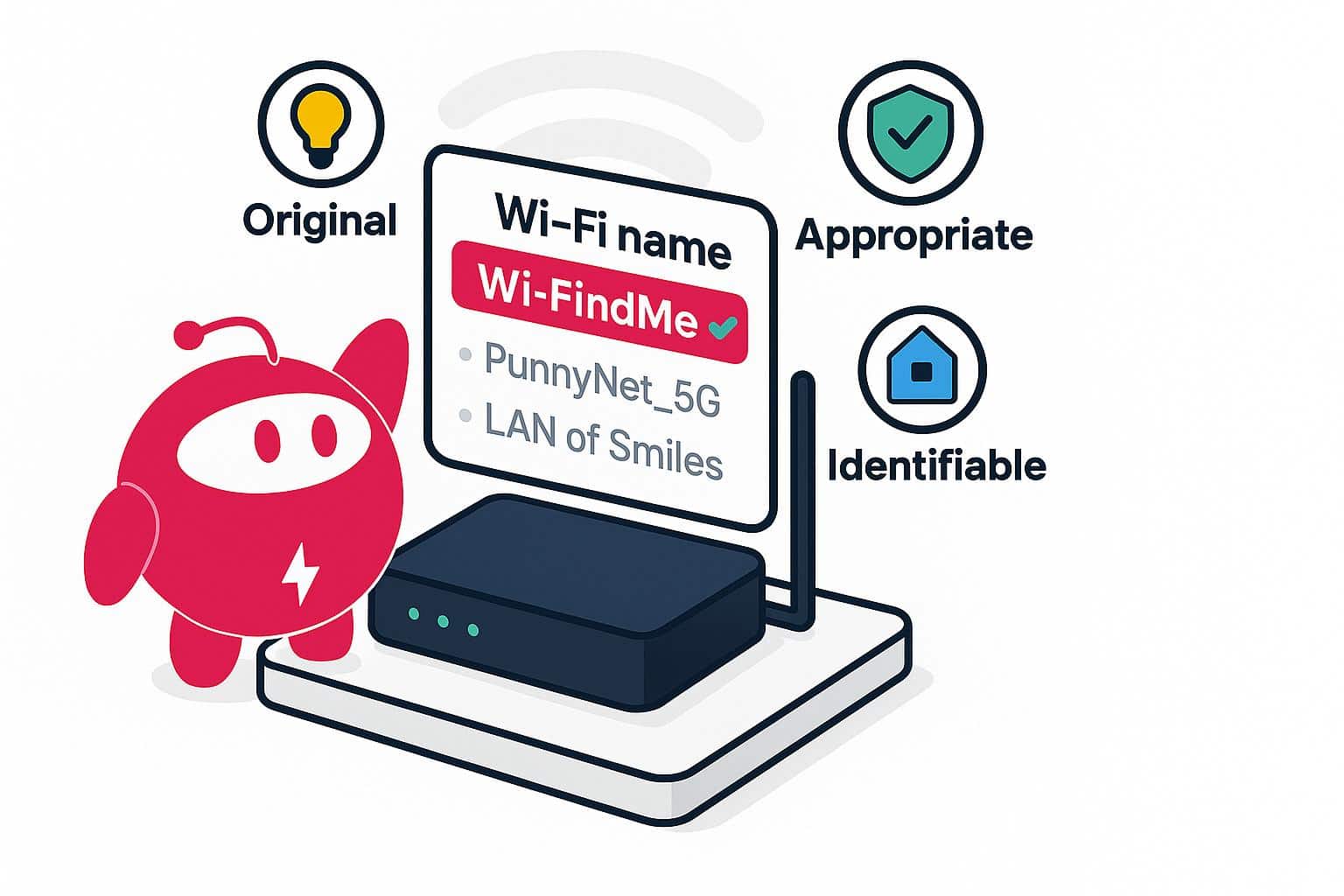
Here are a few things to keep in mind when choosing a funny Wi-Fi name. You’ll want a name that’s original, appropriate (depending on your living situation), and identifiable to you, your household members, and guests when they visit.
| Do’s | Don’ts |
|---|---|
| ✔ Be original | ✖ Use offensive or discriminatory language |
| ✔ Keep it PG (especially if you have neighbors with kids) | ✖ Choose a name that’s too long or full of symbols |
| ✔ Make it recognizable | ✖ Cause trouble by mimicking official networks |
| ✔ Use puns or clever references | ✖ Forget your new Wi-Fi name |
25 Funny Wi-Fi Names to Be Inspired By (or Steal)
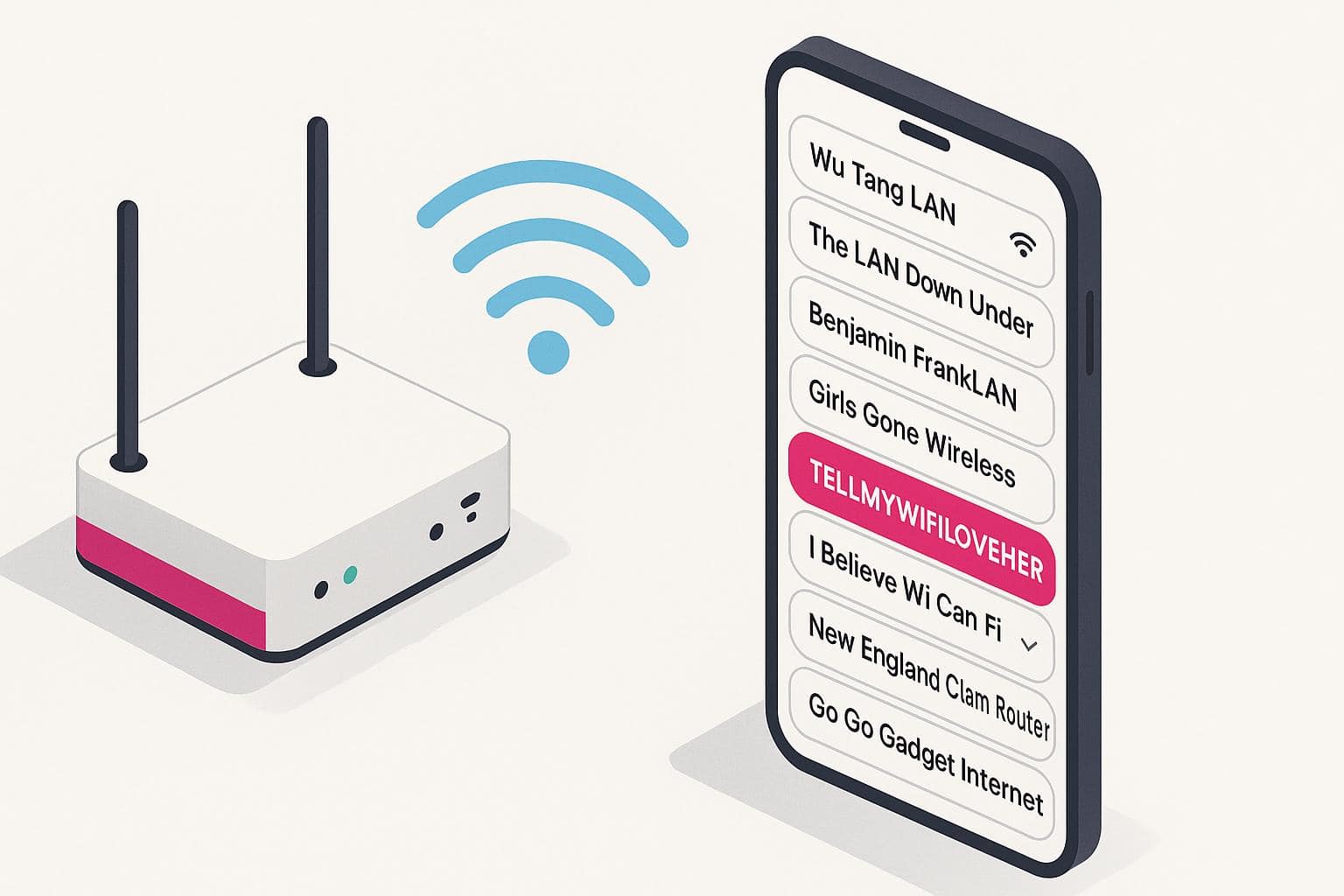
Here are the funniest and most original Wi-Fi names we love after hearing hundreds of the internet’s favorites:
- Go Go Gadget Internet
- grandma click here
- Wu Tang LAN
- Troy and Abed in the Mooodem
- Benjamin FrankLAN
- Girls Gone Wireless
- Extremely Slow WiFi You Don’t Want to Use
- The LAN Down Under
- We Feeling Routy
- Who What When Where WiFi
- Vladimir Routin
- Dumbledore’s IT Staff
- New England Clam Router
- rIP Hedwig
- Free Public WiFi (password protected, of course)
- Winona Router
- TELLMYWIFILOVEHER
- Who What When Where WiFi
- Skynet Surveillance
- Routers of Rohan
- Every day I’m buffering
- Stop Scrolling Facebook and Play with Your Kids
- Dunder Mifflin
- I Believe Wi Can Fi
- Pretty Fly for a Wi-Fi
Sharing Your Funny Wi-Fi Name
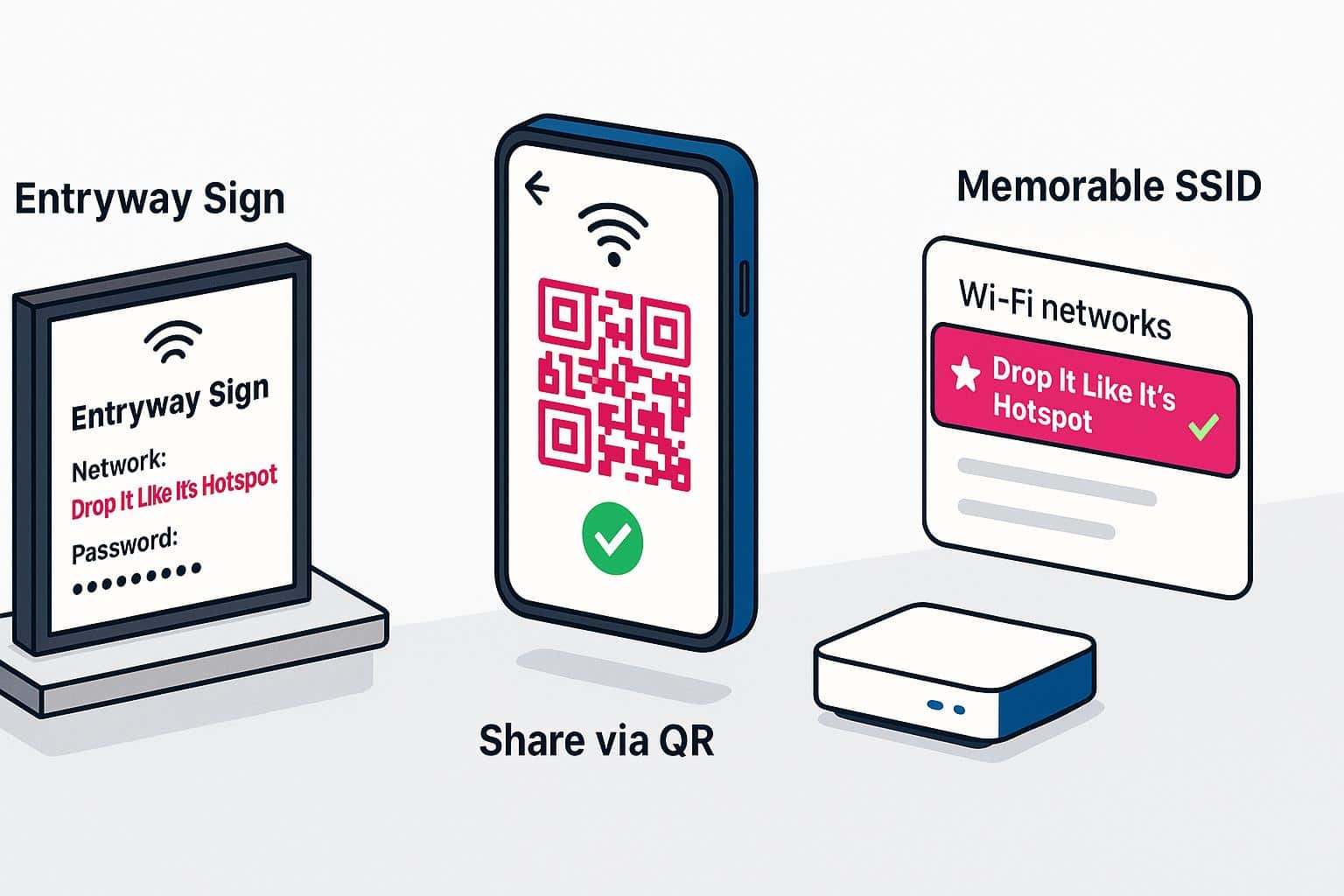
A clever Wi-Fi name is meant to be seen and appreciated. Ready to tell your guests to “Drop It Like It’s Hotspot”? Here are a few easy ways to show off your SSID:
- Display your network name and password on a sign in the entryway, living room, or guest room. Print one, use a chalkboard, or go digital using an old device.
- Use your phone to share the network. Many devices now let you share Wi-Fi logins via QR code or Bluetooth. It’s quick and secure, and your friends won’t have to squint at a password like “x4R9$kd!a7W.”
- Make it memorable. A funny Wi-Fi name can help guests remember which network to reconnect to later or on another device.
Frequently Asked Questions About Going Funny Wi-Fi Names
Can I use emojis or special characters in my Wi-Fi name?
Some routers support special characters in SSIDs, but not all devices do. If you name your network something like “Wi-FiFiFoFum╰(°▽°)╯,” some older devices may struggle to connect or outright deny the change. Stick with standard letters and numbers for the best compatibility.
Can I have more than one funny Wi-Fi name?
If your router supports multiple SSIDs (like on dual-band or mesh networks), you may be able to set up multiple networks with separate names. Check your router’s settings page to see if it allows guest networks or band-specific names.
Will changing my Wi-Fi name disconnect my devices?
Yes, once you change your SSID, all previously connected devices will see it as a new network. You’ll need to reconnect each device using the updated name and re-enter or share your Wi-Fi password.
Do funny Wi-Fi names work with smart home devices?
Yes, as long as the SSID uses standard characters. Some older smart home devices have trouble connecting to networks with long names and special characters. Keep your SSID short and straightforward, so it works seamlessly with all your devices.
What’s the point of a funny WiFi name?
Honestly? Because life’s too short for NETGEAR_4837. A funny WiFi name sparks a smile, shows off your personality, and gives your neighbors something to laugh about while they’re scrolling for a signal. It’s a tiny, harmless way to be witty—no password required.